
MICROSOFT POWER PLATFORM
Trigger printing without leaving Power Apps
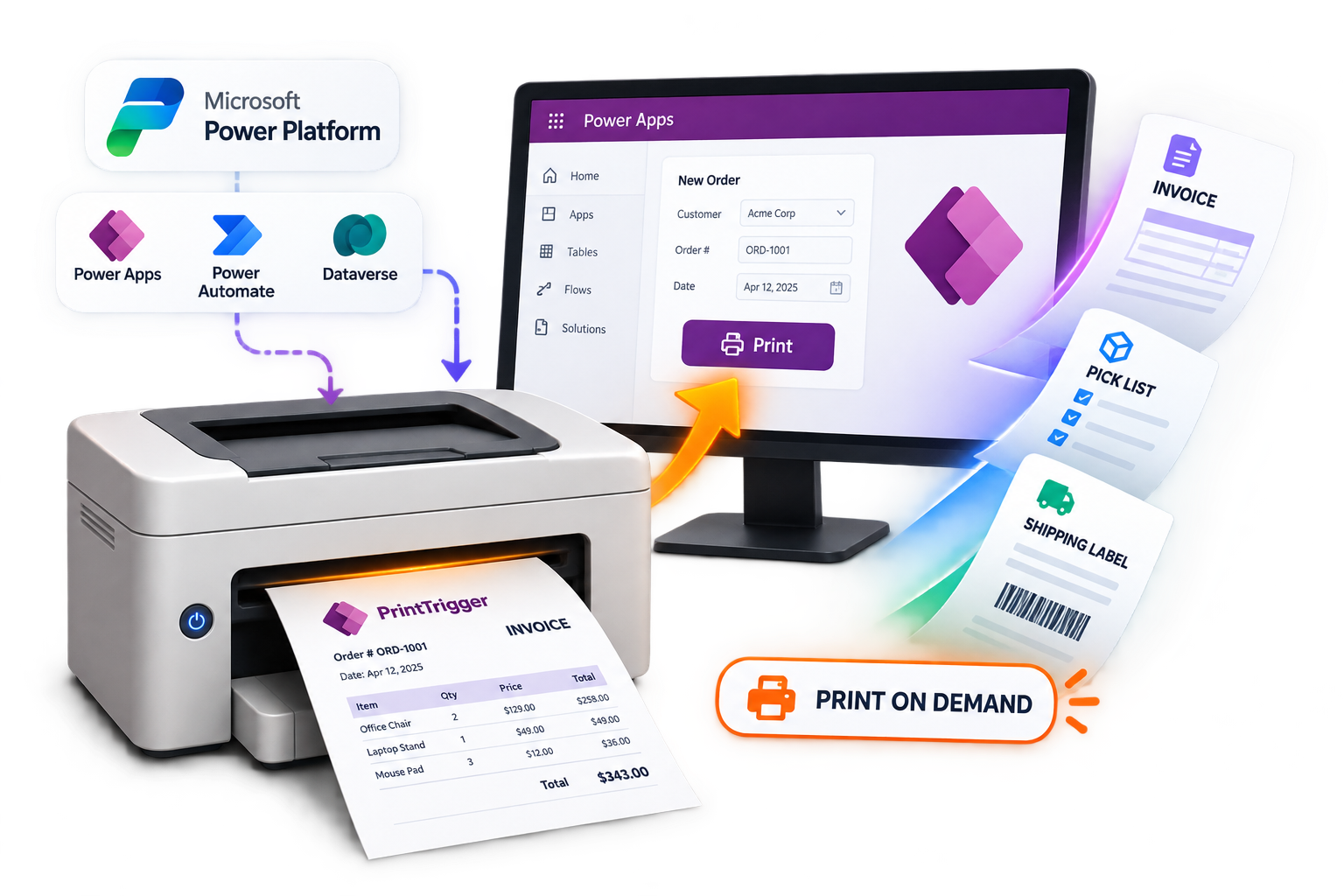
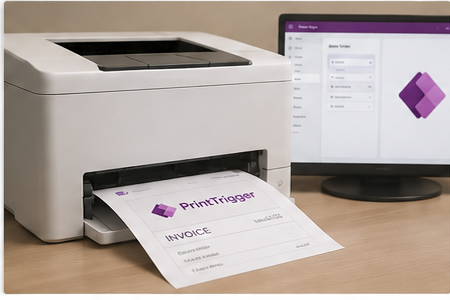
PrintTrigger sends any record straight to a printer from Power Apps or Power Automate — removing the need for a separate desktop printing app and the manual exports that come with it.
Everything you need to print on demand
One-click printing
Print any record straight from Power Apps forms and views.
Native Power Automate action
Drop a print step into any flow — no custom connectors.
Any network printer
Print to any printer already on your network or domain.
No separate software
Removes the need for a desktop printing app and manual exports.
Model-driven & canvas apps
Works from a button inside either Power Apps app type.
Fast setup
Link your environment and add a trigger in a few clicks.
How it works
01
Connect your environment
Link PrintTrigger to your Power Platform environment in a few clicks.
02
Add a print trigger
Drop a button into Power Apps or a step into a Power Automate flow.
03
Print on demand
Records print automatically — no separate software, no manual export.
Requirements & compatibility
| Power Apps | Model-driven and canvas apps |
| Power Automate | Standard and premium connectors |
| Dynamics 365 | Supported via Power Platform environment |
| Printers | Any printer on a Windows print server or local network |
| Licensing | Per Power Platform environment |
Simple pricing
Growth
Most Popular
$69
/mo
- 3 Power Platform environments
- Unlimited prints
- Priority support
What early users say
Frequently asked questions
Yes — trigger prints from a Power Automate flow, or from a button inside a Power Apps canvas or model-driven app.
Any printer already connected to your network or Windows print server.
No. Connect your environment and add a print trigger through the Power Apps or Power Automate designer — no code required.
Yes. PrintTrigger offers a free trial before you subscribe.
Changelog
v1.0
Initial release — one-click printing from Power Apps, native Power Automate action, network printer support.